
My Projects: Driving Impact Through Code
Here's a selection of projects where I've leveraged my technical skills to solve complex operational challenges, automate workflows, and enhance system capabilities. Each project focuses on delivering tangible business value.
Projects on GitHub
These projects have been carefully sanitized to remove sensitive company data and are available for public viewing on GitHub to showcase my work.

Device Management Tool (HTML/JS)
HTML, CSS, JavaScript, QRCode.js
A client-side web application for managing various device operations, including IMEI/device name mapping, factory resets, random string generation, and QR code generation. It demonstrates UI/UX design and front-end scripting for administrative tasks.
💡 Impact: Streamlined administrative processes for device management and provided quick access to device information.
View on GitHub
CLI Tool for Generic Record Management
Python, asyncio, aiohttp, pandas, tqdm
An asynchronous Python-based command-line utility for managing bulk updates to records in a web-based system. It features Excel/CSV integration for input, a dry-run mode for validation, comprehensive logging, and robust error handling.
⚙️ Impact: Enabled efficient and safe large-scale data modifications, improving data integrity and reducing manual effort.
View on GitHub
Outlook Attachment Scraper
Python, pywin32, os, datetime
A Python script that automates the extraction and organization of PDF attachments from specific Outlook folders. It handles duplicate files by moving them to a dedicated folder and moves processed emails to keep the inbox clean.
📂 Impact: Automated document archiving, ensuring compliance, reducing manual effort, and improving accessibility of important documents.
View on GitHub
Automated Document Uploader (GUI & Playwright)
Python, CustomTkinter, Playwright (simulated), pandas, VBA
A desktop application with a GUI to automate document uploads to a web-based system. It features a CustomTkinter frontend for user configuration, a Python backend for simulated web automation, and can be launched via a VBA macro for seamless integration into Office workflows.
⚡ Impact: Streamlined bulk document processing workflows, significantly reducing manual data entry and improving operational efficiency.
View on GitHubInternal Projects (Not Publicly Available)
These projects were developed for internal company use and contain proprietary logic or sensitive data that prevents them from being shared publicly. They demonstrate my ability to solve real-world business problems within a corporate environment.
Driver Onboarding Automation System
Tech Stack: Python, Snowflake, Geotab API, Internal HR Data
Problem: Manual driver onboarding was time-consuming, prone to errors, and required redundant data entries across multiple platforms (HR, Snowflake, Telematics).
Solution: Developed a robust Python script that integrates HR data with Snowflake and the Geotab API. This automates the process of syncing new driver information across all relevant systems, eliminating manual touchpoints.
💡 Impact: Saved over 110+ manual hours per week by automating driver data entry and ensuring real-time data consistency across platforms. This significantly improved operational efficiency and data accuracy.

Fleet Maintenance Notification System
Tech Stack: VBA (Excel, Outlook Automation)
Problem: Lack of real-time visibility into pending fleet maintenance tasks led to compliance issues and potential asset downtime.
Solution: Designed and implemented a VBA-based macro system that integrates with Outlook. It creates dynamic email workflows to automatically alert relevant stakeholders (e.g., managers, technicians) about pending maintenance tasks and compliance requirements.
📈 Impact: Significantly improved compliance across all active assets by ensuring timely notifications and reducing missed maintenance schedules.

Internal Vendor Contact Portal
Tech Stack: HTML, CSS, JavaScript (Vanilla)
Problem: Managing and filtering vendor information was cumbersome, making it difficult for teams to quickly find relevant suppliers based on service categories and locations.
Solution: Built a custom, internal web-based interactive portal for supplier filtering and information management. The tool provides a centralized, easy-to-use interface to access vendor details, service categories, and contact actions.
🌐 Impact: Simplified vendor interaction and updates, improving operational efficiency for procurement and field teams.
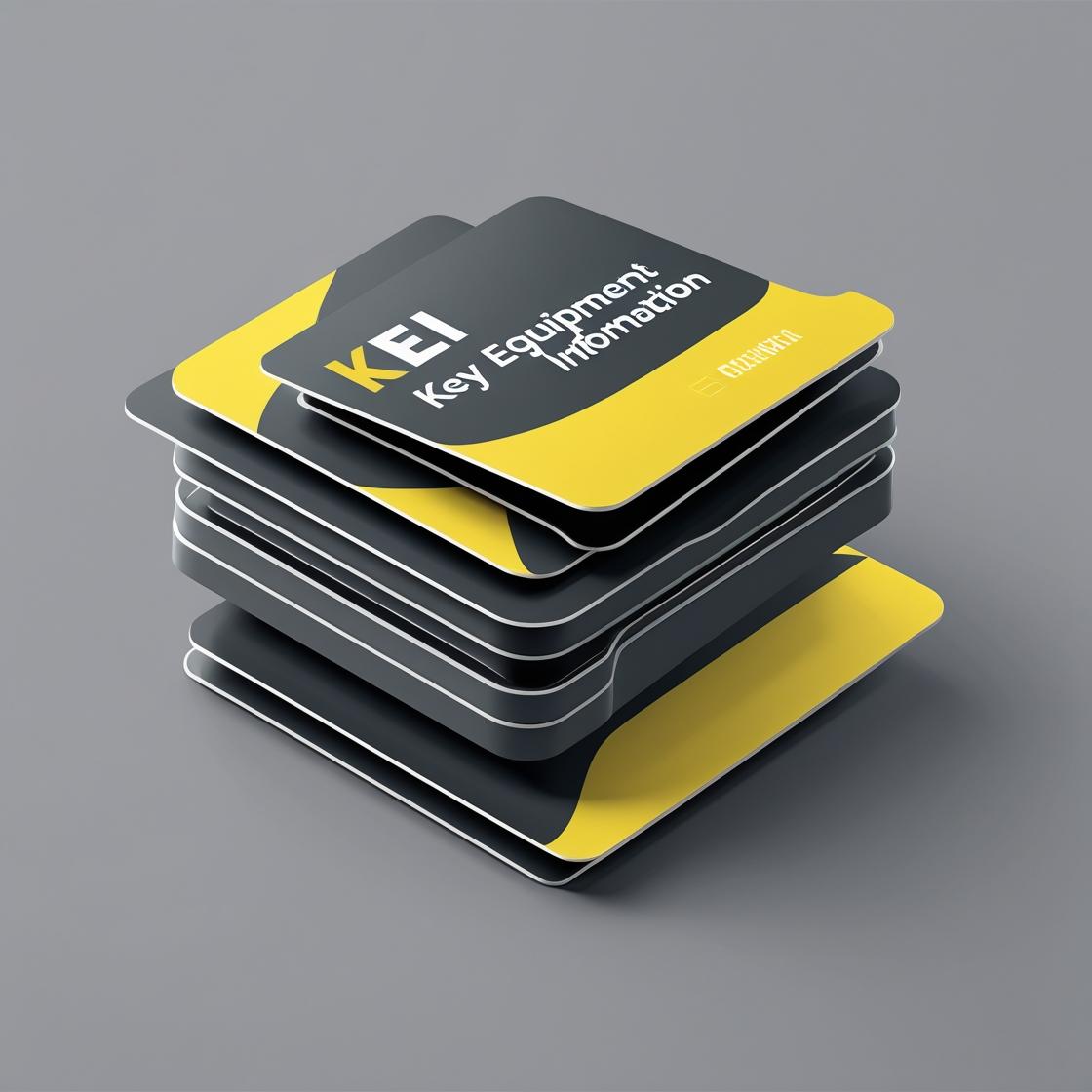
KEI Card Interface (Key Equipment Information)
Tech Stack: JavaScript, CSS3 Transforms
Problem: Fleet administrators needed a quick and intuitive way to access critical unit insights and perform rapid actions on specific assets.
Solution: Designed and developed a horizontal "rolodex-style" interactive card user interface. This intuitive UI allows fleet admins to quickly view key equipment information and trigger actions with minimal clicks.
🧭 Impact: Improved field visibility and responsiveness for fleet admins, enabling faster decision-making and action-taking on asset management.

Unit Transfers Geotab - Automated Equipment Transfer System
Python, Outlook, Geotab API, pandas, pywin32
An automated service that monitors email for equipment transfer requests and automatically transfers equipment between Geotab groups. It integrates with Microsoft Outlook for email monitoring and leverages the Geotab MyGeotab API for efficient equipment updates.
Key Features:
- Automated email monitoring and intelligent parsing of transfer requests.
- Supports multi-database transfers (SRS Distribution, Heritage FOC) and routes cross-database transfers for manual handling.
- Robust error handling, comprehensive logging, and test mode for safe validation.
💡 Impact: Significantly reduces manual effort and potential errors in fleet equipment transfers.
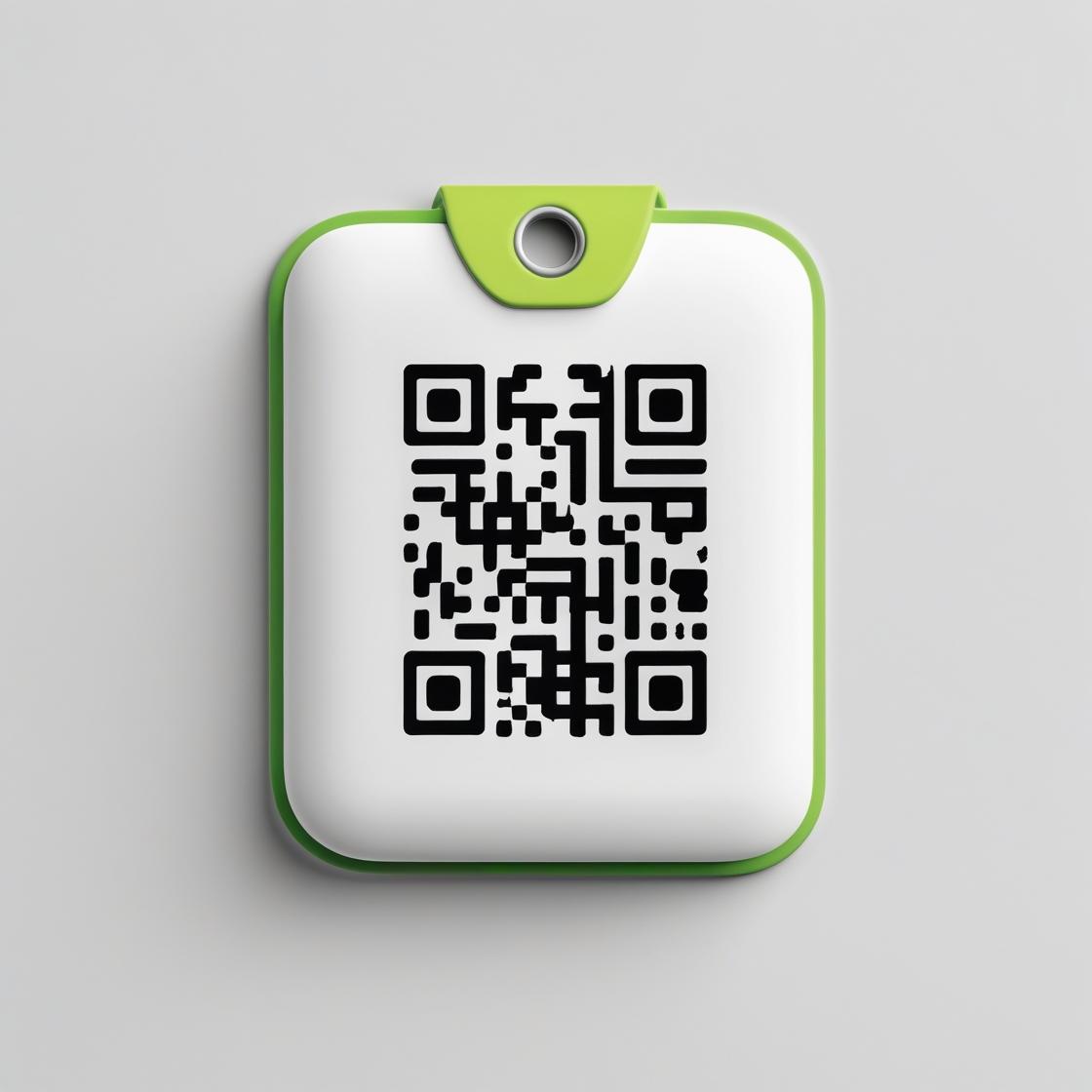
Equipment QR Code Sticker Generator
Python, PIL (Pillow), pandas, qrcode
A Python tool developed to generate professional identification stickers for fleet equipment. Each sticker features essential equipment details and a scannable QR code that directly links to the equipment's record within the Rollbase Fleet Management System.
Key Features:
- Reads equipment data from Excel files to generate customized QR codes and composite sticker images.
- Creates individual PNG files for each equipment item, ready for printing.
- Customizable sticker dimensions, color schemes, typography, and layout elements.
🏷️ Impact: Improves asset tracking accuracy and provides quick access to equipment information in the field.

PM Calendar
JavaScript (FullCalendar, jQuery, Tooltipster), SQL, CSS
A comprehensive Fleet Management System (FMS) tool that displays preventive maintenance schedules for equipment across multiple branches. It provides an interactive calendar interface showing upcoming PM due dates for chassis and accessory equipment.
Key Features:
- Displays periodic and annual PM due dates with interactive tooltips for equipment details.
- Integrates with external services for generating PM worksheets and sending email notifications for paperwork requests.
- Features responsive design, event filtering, and monthly summaries for enhanced usability.
📅 Impact: Centralizes PM scheduling, improves proactive maintenance, and reduces vehicle downtime.
.jpg)
Geotab Add-in (Fleet Focus)
HTML, CSS, Geotab Drive App Configuration
A custom Geotab Drive app add-in designed to deliver bi-weekly fleet updates directly within the Geotab platform. It provides drivers with essential safety policies, required documentation, and equipment information in a clean, easily readable format.
Key Features:
- Displays bi-weekly fleet updates and crucial safety/documentation information for drivers.
- Works seamlessly on mobile view via
force-mobileclass styling within the Geotab Drive app.
📢 Impact: Ensures critical information dissemination to fleet personnel, enhancing safety and compliance.